
Blog / Getting started
Switching workout apps without losing your history
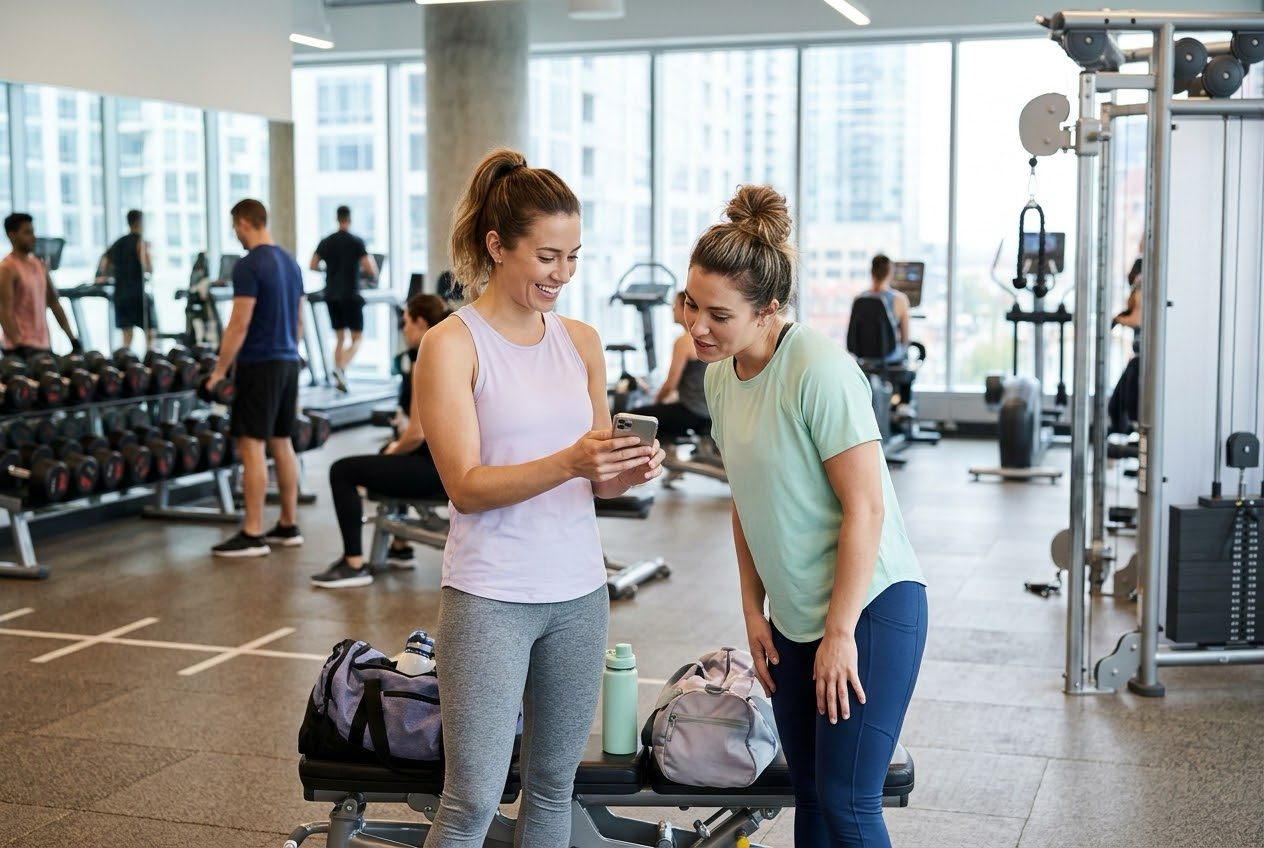
Jade has trained four or five days a week for years. Every set, every weight, every personal best is logged in an app on her phone. Lately her friends keep talking about GymGirl. She's curious. But one thought stops her every time: "All my history is in there. I don't want to start from zero."
Good news: you don't have to.
Why your history matters
Your workout history is more than a nice record. It's months or years of training in one place: every session, every set, every personal best. That's where you see the long-term trends: how much stronger you've become since you started, which lifts keep climbing and which have stalled. Lose it, and that story starts again at zero. Keep it, and your charts simply carry on.
Step 1: Export your workouts from your current app
Most workout apps let you export your history as a CSV file. That's a simple spreadsheet file that almost any app can read.
- Look in your current app's settings, often under a name like "Export", "Data" or "Backup".
- Choose CSV if you can pick a format.
- Save the file somewhere easy to find, like your Files app or iCloud Drive.
Keep your workouts in a spreadsheet instead? Save it as a CSV file and you're ready too.
Step 2: Import it into GymGirl
- Open GymGirl and go to Settings.
- Open Your data and tap Import workouts from CSV.
- Pick the file you just saved.
Step 3: Check how your exercises are matched
Every app names exercises a little differently. One says "Barbell Hip Thrust", another "Hip Thrust (Barbell)". GymGirl recognises most exercise names, even when they're written a little differently.
When it isn't sure, it doesn't guess: it shows you the exercise, and you pick the GymGirl one or keep it as your own. That way your history lands in the right place, and your progress charts make sense from day one.
Step 4: Keep training
That's it. Your old workouts and charts are in GymGirl. Pick a plan, and the built-in coach works from your past sets of every exercise matched to a GymGirl exercise. So your very first workout can already tell you what to lift: more reps, a heavier step, or the same weight a bit longer.
Tips for a smooth switch
- Keep the exported file. It's your own copy of your history, wherever you train next.
- Take a minute for the matching step. The better the matches, the better the coach's advice.
- Look at a few exercises after the import to check that the weights and dates look right.
Why women switch to GymGirl
- A real plan, not just a log. Plans for every level, including advanced ones, that move on as you train.
- A coach that tells you what's next, including lighter weeks when you need them.
- No account, no ads. Your data stays on your phone.
Plans to try: experienced lifters often go for Sculpt & Strong, the GymGirl Special, Glute Specialization (in Power Glutes) or Heavy + Volume (5 days).
This article is general information, not medical advice.
Read next
 Getting started
 Getting started